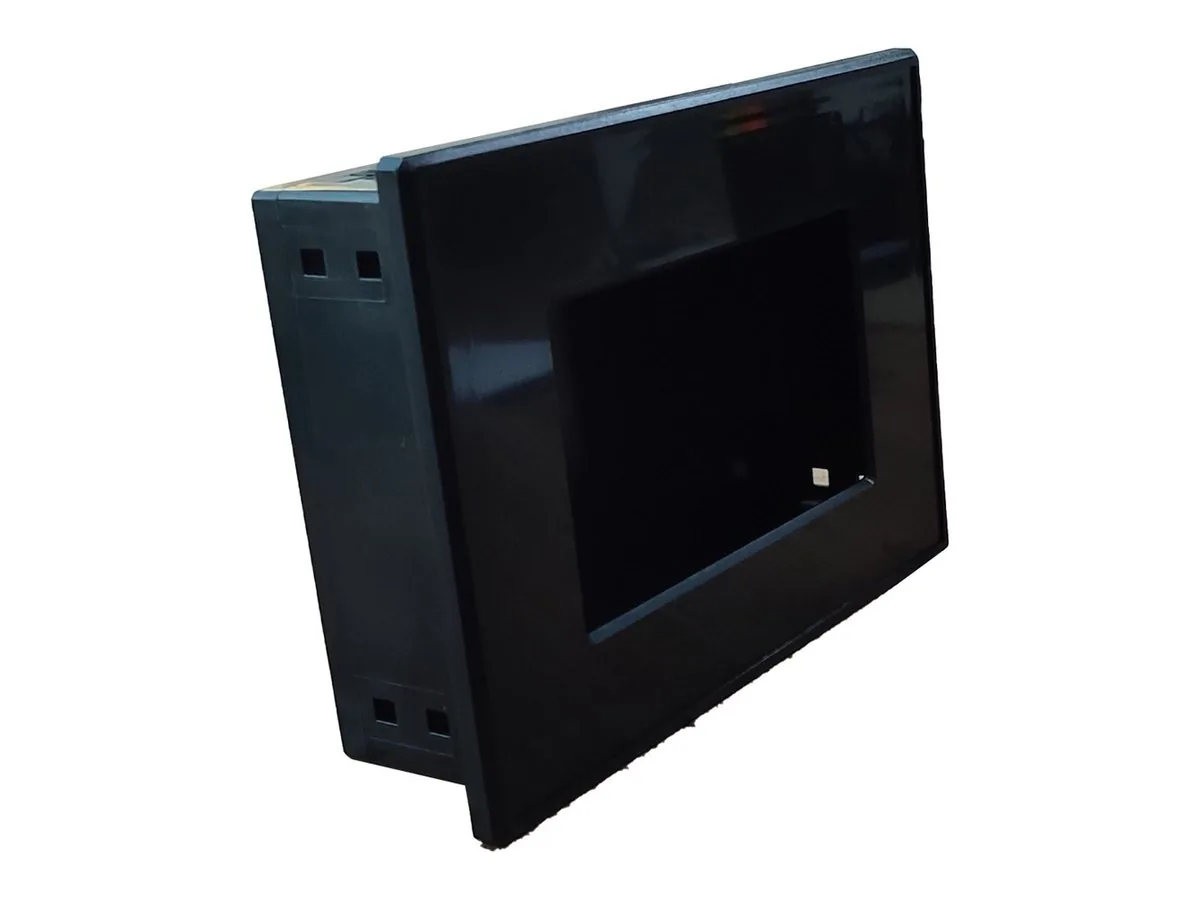


Product code: AIRCONTROLBOARD
Control board that connects to AirHMI displays: 8 relay outputs, 4 analog and 4 digital inputs, UART command set; expansion to up to 4 boards with optional RS485.
By connecting the Control Board to an AirHMI display you can manage your inputs (analog and digital) and carry out control tasks easily with the on-board relays.
It has 8 relays rated 24V 7A. The relays work as dry contacts for switching.
Reads ADC values through 4 analog inputs.
Handles on/off signals through 4 digital inputs.
It works with command sets over UART.
There is an indicator LED for each relay.
With the optional RS485 option, up to 4 boards can be addressed and connected side by side, expanding to 32 relays, 16 analog and 16 digital inputs.
The DIN rail enclosure option makes mounting in panels and similar locations easy.
It is widely used in various industrial and robotics projects.
It works with command sets over UART; with optional RS485, several boards can be addressed and connected.
It is mounted on a DIN rail with the Control Board DIN rail enclosure.
Let's define the right configuration for your project together with our engineering team.